Lazarus — Reattach to Orphaned Shells and Scripts
Reattach to orphaned shells and scripts that lost their terminal
About
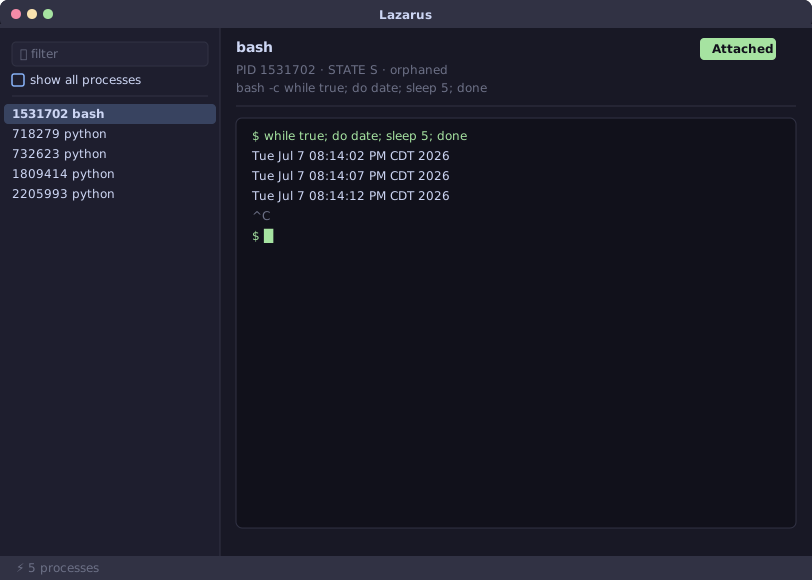
Lazarus reattaches to processes that lost their terminal — a dropped SSH session, a backgrounded nohup, a setsid job — and hands back a fully interactive session instead of a dead pane. Point it at a PID, or browse with the built-in TUI or native GUI, and it hijacks the target (ptrace on Linux, a Mach task port on macOS), redirects its stdin/stdout/stderr onto a fresh PTY, and makes it the foreground process group so Ctrl-C and Ctrl-Z reach the right place again.
Detaching is a first-class operation, not a crash: Ctrl-\ cleanly removes the controlling terminal and re-points the target's stdio at /dev/null so it keeps running, with a session record left behind for lazarus reattach later. As of v1.0.0, Lazarus runs on both Linux x86_64 and macOS (Apple Silicon), with a native egui GUI alongside the original ratatui TUI.
Features
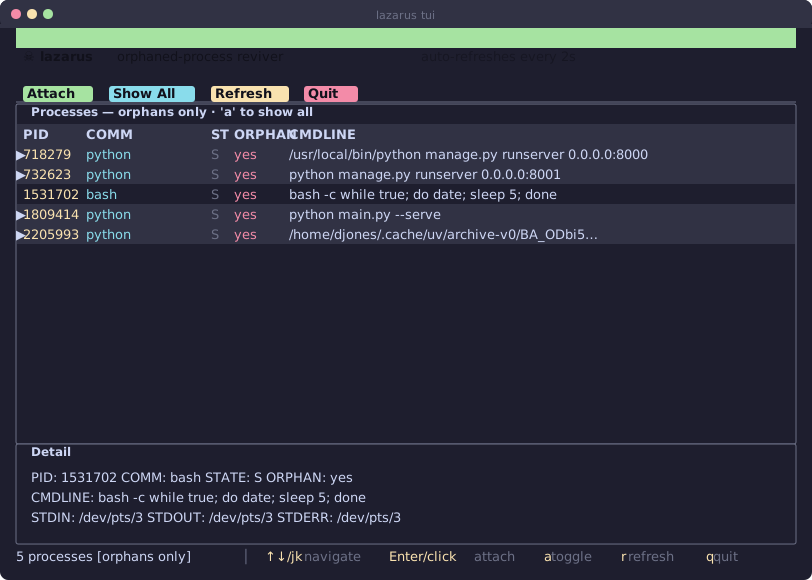
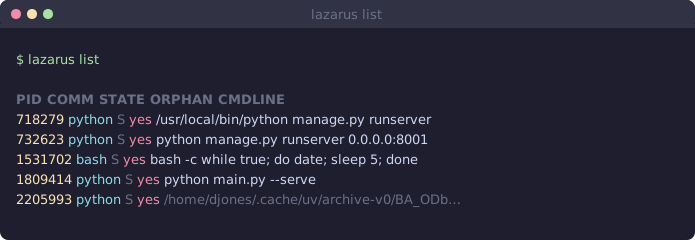
- Discovery-first UX: lists orphaned shells/scripts with no controlling terminal
- Force-hijack attach on Linux (ptrace) and macOS (Mach task port) — full interactive PTY handoff
- Native GUI (egui) with an embedded terminal, alongside the original mouse-driven TUI
- Full signal delivery (Ctrl-C / Ctrl-Z) and safe detach (Ctrl-\) without killing the target
- Session persistence + reattach — revisit a process you detached from earlier
- Sudo-free operation on macOS via a Keychain-trusted signing certificate
Screenshots
What's Next
- Verify and harden the aarch64 Linux path on real hardware
Notes
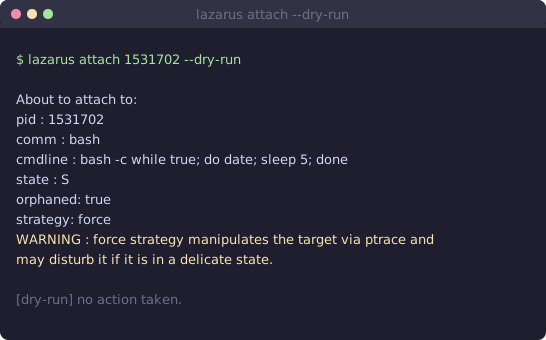
v1.0.0 supports Linux x86_64 and macOS (Apple Silicon); aarch64 Linux groundwork exists but is untested on real hardware. Linux requires ptrace access — granting the binary CAP_SYS_PTRACE via setcap is the recommended path over running as root or relaxing ptrace_scope globally. macOS requires sudo or a Keychain-trusted signing certificate with the debugger entitlement. A target busy-looping with its instruction pointer far from a syscall at the moment of attach can occasionally fail to hijack — use --dry-run and retry if this happens.
Interested in Lazarus? Get in touch →